Triage
One issue. The full picture.
Repeated crashes are grouped into one issue. See how often it happens, which sessions are affected, and the stack trace behind it.
Error tracking
Stack traces, source code, and affected sessions. Everything you need to understand an error, in one place.
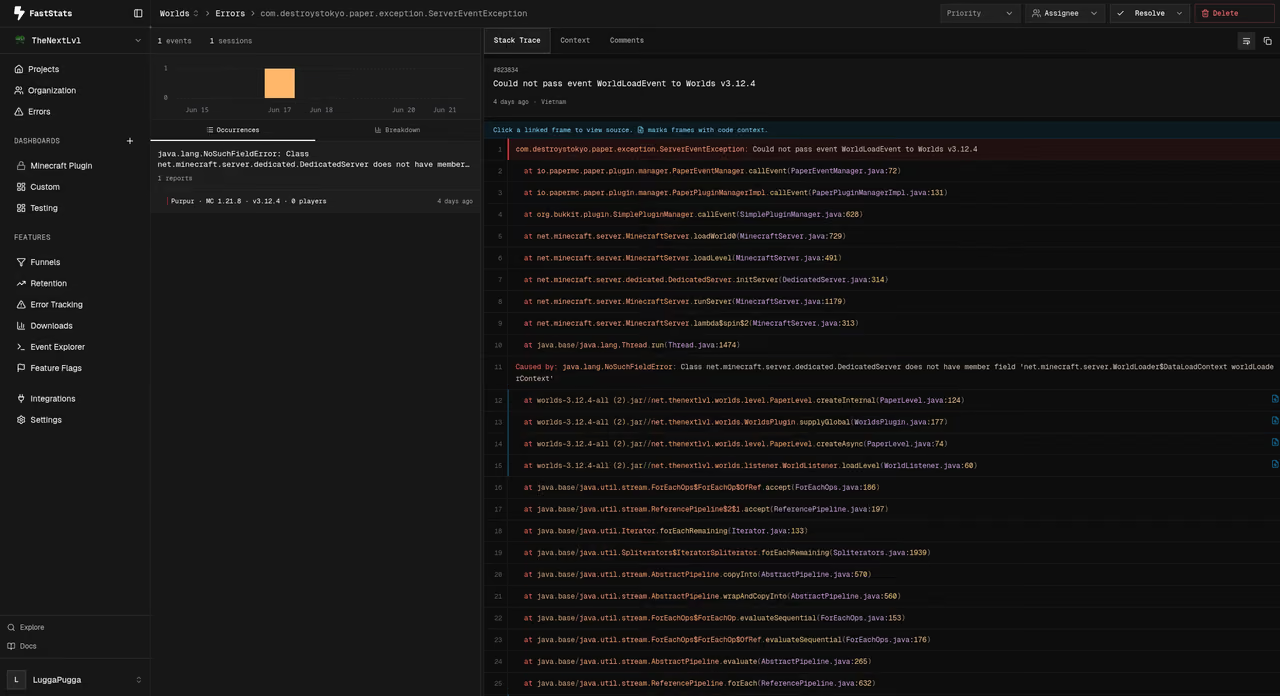
Understand the impact, follow the trace, and give your team the context to move forward.
Triage
Repeated crashes are grouped into one issue. See how often it happens, which sessions are affected, and the stack trace behind it.
Trace resolution
Keep your production builds small and your errors readable. JavaScript sourcemaps and ProGuard mappings bring back the original file, function, and line number.
Team workflow
Set a priority, assign an owner, and keep the conversation on the issue. Share what you tried so the next person can pick up where you left off.
Integrations / Code context
A stack trace tells you where. Your source code explains why. Connect your Git provider and follow the error to the line that matters.
GitHub
GitLab
Bitbucket Cloud
Codeberg
Forgejo
Cursor Origin
Give every issue the context it needs. Connect your repository, send your first error, and start working on the fix.